Draggable Grid
Pannable grid with smooth drag and momentum
draggable-grid-tw
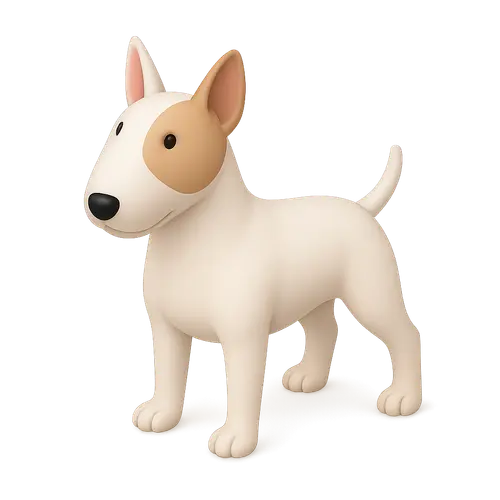


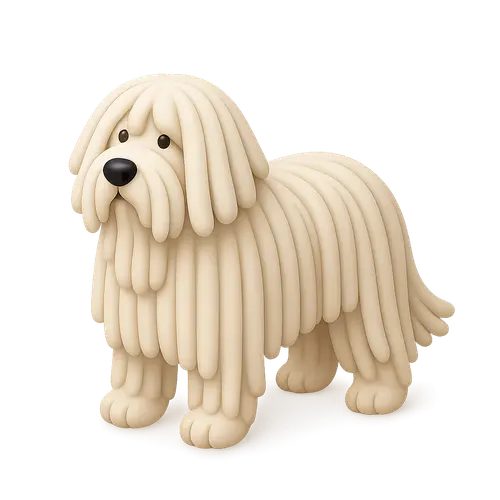

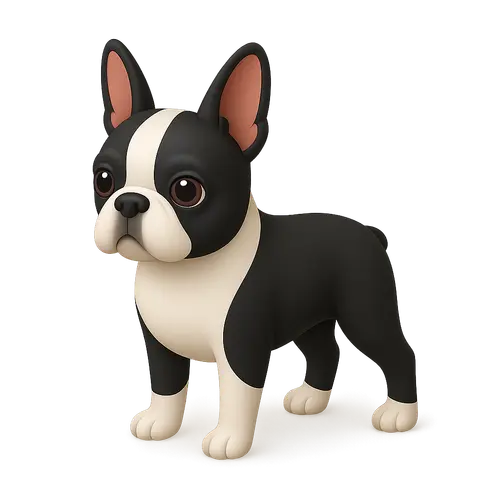

Customize
60
10
0.9
0.5
0.6
6
1
Props
| Name | Type | Default | Description |
|---|---|---|---|
| items | GridItem[] | [] | Array of items to display in the grid. Each item has id, image, dataId, and alt. |
| columns | number | 10 | Number of columns in the grid layout. |
| enableDrag | boolean | true | Enable drag functionality to move the grid around. |
| enableWheel | boolean | true | Enable mouse wheel scrolling to navigate the grid. |
| edgeResistance | number | 0.9 | Edge resistance when dragging (0-1). Higher values provide more resistance. |
| introDuration | number | 1.2 | Duration of the intro animation in seconds. |
| onItemClick | (item: GridItem, index: number) => void | undefined | Callback function when an item is clicked. |
| className | string | "" | Additional CSS classes for the main container. |
| gridClassName | string | "" | Additional CSS classes for the grid container. |
| itemClassName | string | "" | Additional CSS classes for individual grid items. |
| boundsPadding | { x: number; y: number } | { x: 200, y: 100 } | Padding in pixels for drag bounds. |
| containerMode | "fixed" | "absolute" | "absolute" | Container positioning mode. 'fixed' for full viewport overlay, 'absolute' for contained layout. |
| scale | number | 1 | Scale factor for the entire grid. 0.5 = half size, 2 = double size. |
| gap | number | 5 | Gap between items in viewport width units (vw). |
| wheelSmoothing | number | 0.3 | Wheel scroll smoothing duration in seconds (0.1-1.0). Higher values create smoother, slower scrolling. |
Demo images from thiings.co, not part of the React Bits Pro offer.